


Inbox
Enter orders into your POS, then mark them completed.
No new orders. New orders appear here instantly.
 Trattoria PietrasoleWood-fired pizza and fresh pasta in the old town.
Ordering for table 12
Mains
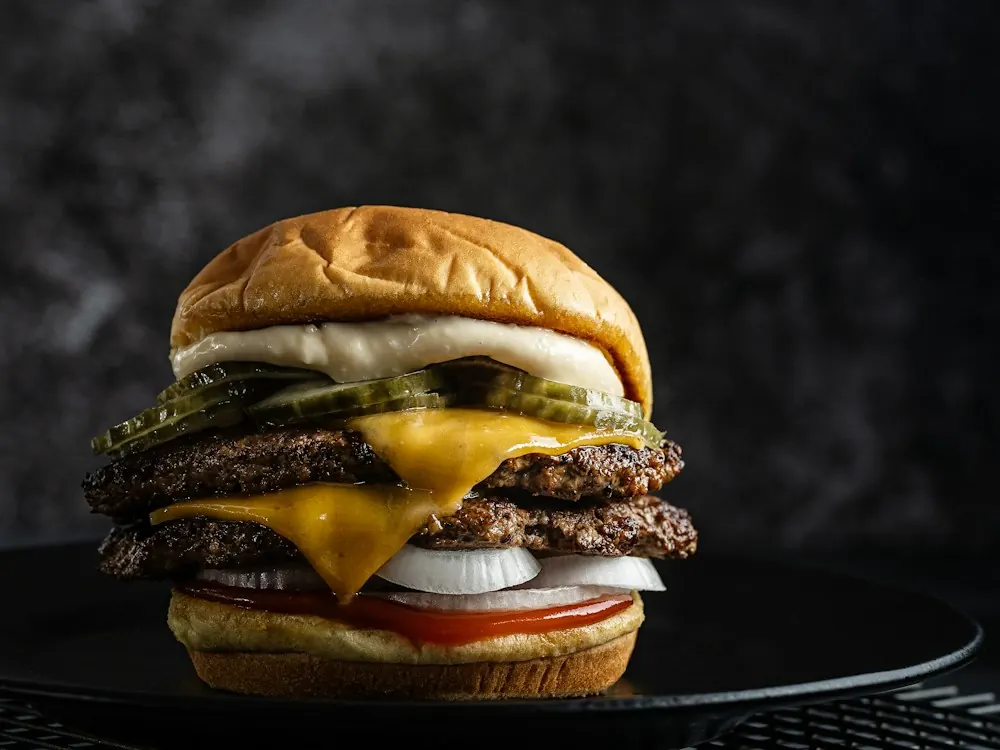
Smash burger
Two smashed beef patties, cheddar, pickles, onion, tomato and house sauce in a toasted bun.
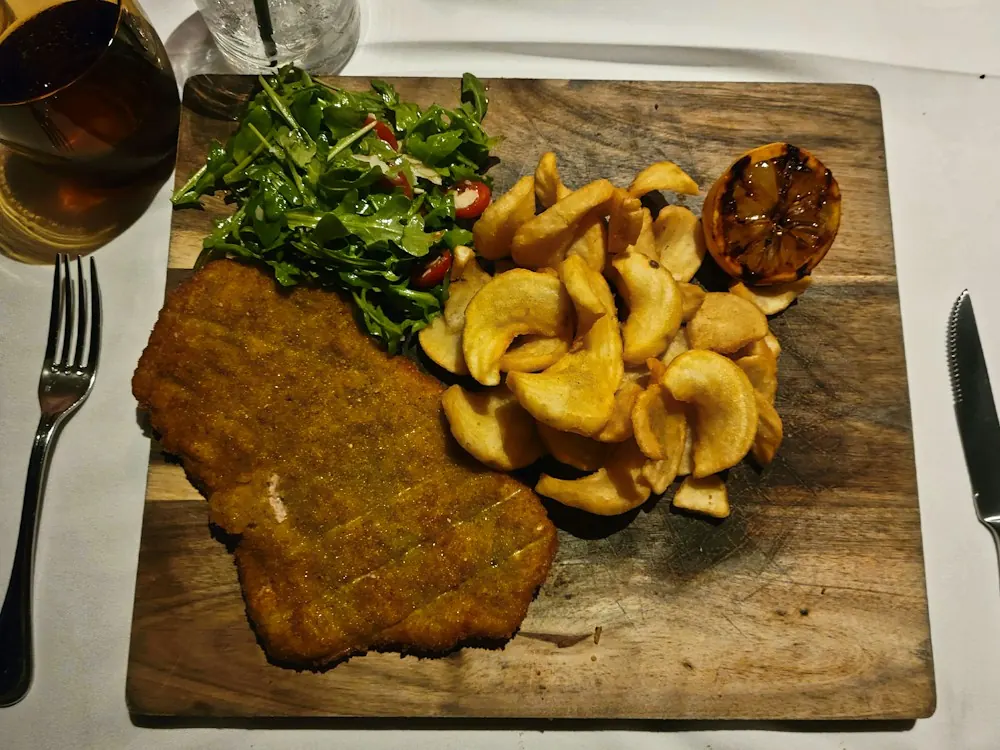
Veal cotoletta
Breaded veal cutlet with rocket salad, potato wedges and grilled lemon.
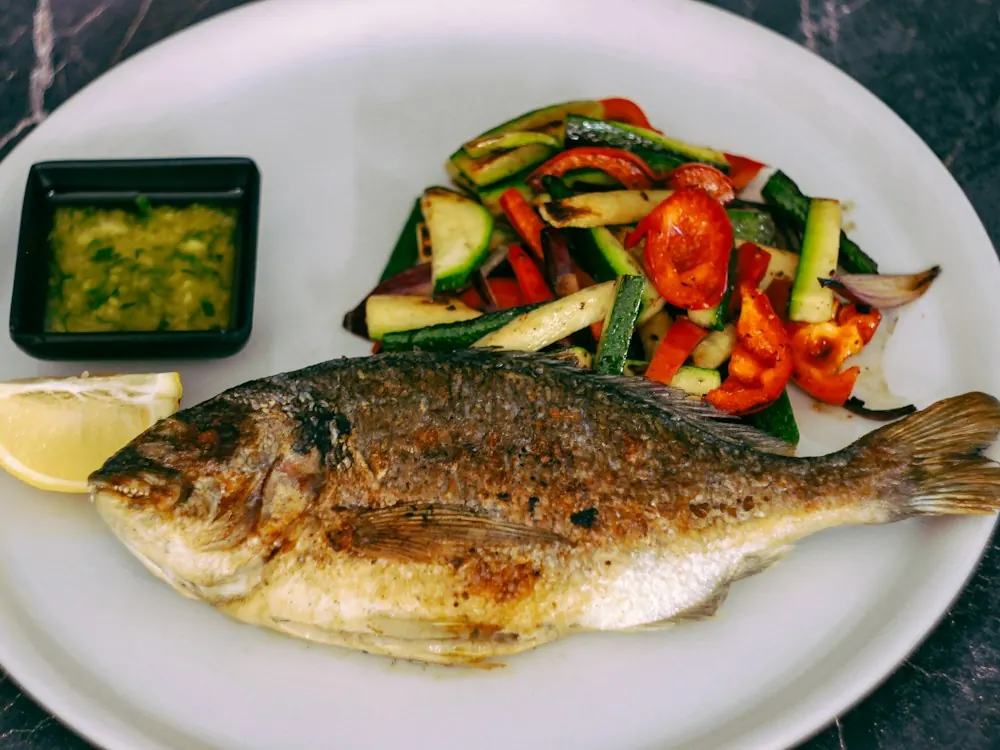
Grilled sea bream
Whole sea bream from the grill with lemon, grilled vegetables and salsa verde.
NFC Table Ordering
Guests tap the table. Orders reach your cashier.
A tap on the table's card opens your menu. Every order arrives with its table number.
€39/month + setup · No app for guests · Keep your POS
Try it yourself
Now play every side of it.
Order as the guest and call staff. See exactly what your cashier receives. Then change the menu, logo and colours as the owner, and watch the guest menu update.
Everything runs in your browser. No real restaurant receives these orders.
9:41
Friday
Trattoria Pietrasole · Table 12
Hold the top of your phone near the NFC card on your table to open the menu.
The cashier screen runs in any browser, for example on the POS computer. Staff enter each order into your own till, then mark it completed.
Inbox
Enter orders into your POS, then mark them completed.
No new orders. New orders appear here instantly.
Nothing yet. Order something as the guest to see it arrive here.
Try it: pick a new logo or colour set, or rename the restaurant, then save.
Partner Portal
Your name, logo, colours and fonts. Guests see it as soon as you save.
Live preview
Interactive demo. The NFC tap is simulated and no order reaches a restaurant.
QR Digital Menu
Just need a digital menu?
Let guests scan, browse and choose their language, with a menu you can update yourself.
- Guests scan one QR code with their phone camera. No app.
- Your menu, photos and prices in up to 11 languages.
- Change dishes, prices and photos without reprinting the QR code.
The QR menu is for browsing. Guests order the way they do today, with your staff; there is no ordering, staff requests or cashier screen on this plan.
9:41
Friday
Point your camera at the QR code
The menu opens in the browser. No app to install.
Try it: pick a new logo or colour set, or rename the restaurant, then save.
Partner Portal
Your name, logo, colours and fonts. Guests see it as soon as you save.
Live preview
Interactive demo. The scan is simulated; edits stay in this browser tab.